Pilot TV for Android
A remote for your Samsung TV.
Control your TV from your phone. No account, ads or analytics.
Closed test on Google Play.
- Android 10+
- Samsung Tizen
- Same Wi‑Fi network
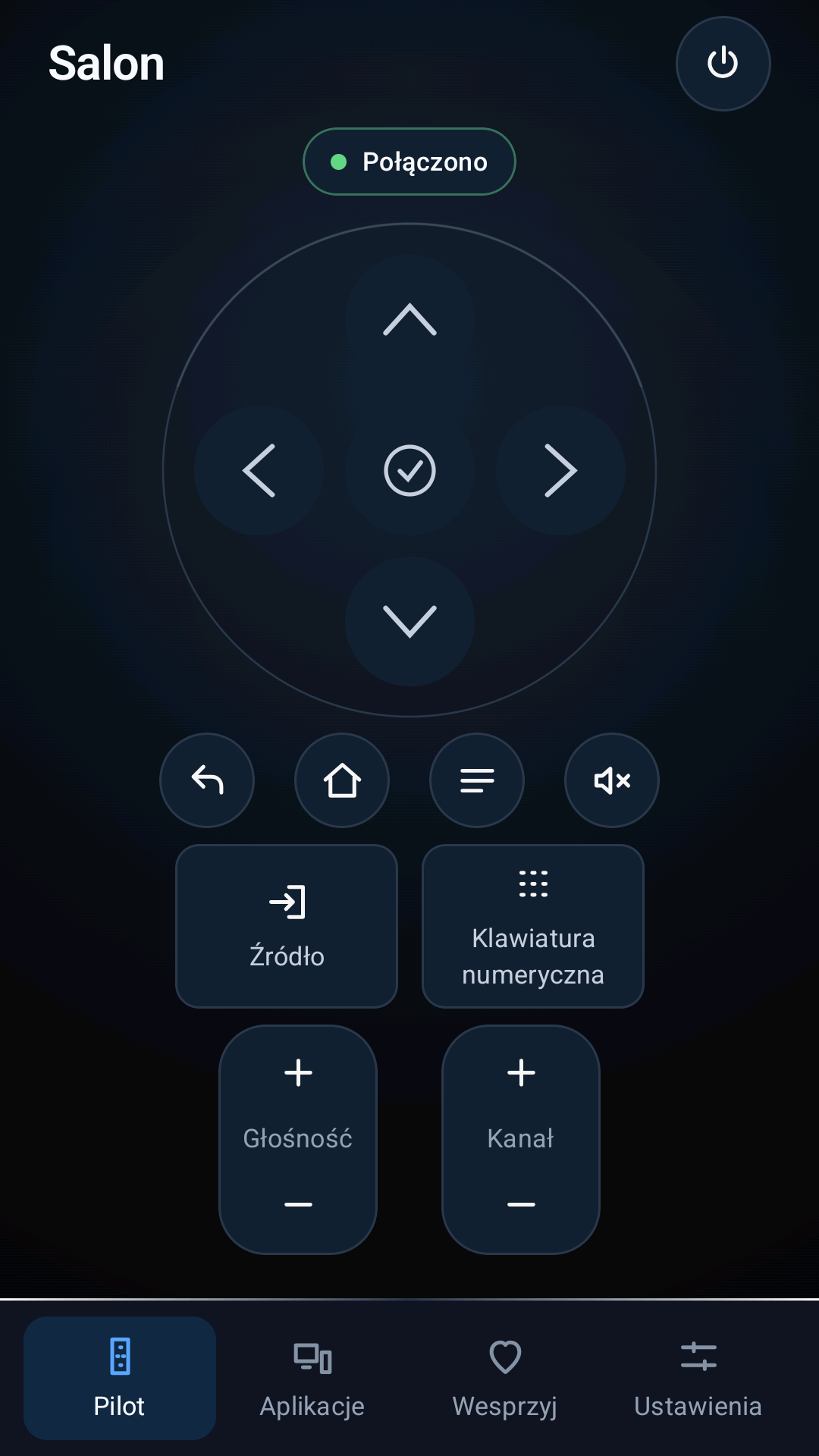
Pilot TV at a glance
Remote
D-pad, volume, channels and numeric keypad.
Sources and apps
Only features confirmed by your TV.
Local connection
Your phone connects directly to your TV.
Compatibility and privacy
You need:
- Android 10 or later
- a Samsung TV with Tizen and network remote control
- your phone and TV on the same Wi‑Fi network
- one confirmation on the TV screen
No account. No ads. No analytics.
Privacy policyTest Pilot TV
Enter your Google Play account and device models. We will send access after reviewing your application.
Questions? Write to kontakt@polszewski.com.
- Does it work with every Samsung TV?
- No. Compatibility depends on the model, software and network settings.
- Do I need internet access?
- Not for control. Your phone and TV must be on the same network.
- Is this a Samsung app?
- No. Pilot TV is an independent project.